Budgets recalculate themselves
Fringes, tax rebates, ATL/BTL, contingency. Move a day and every line reflows live
Our own model, generating against your production graph.
Fringes, tax rebates, ATL/BTL, contingency. Move a day and every line reflows live
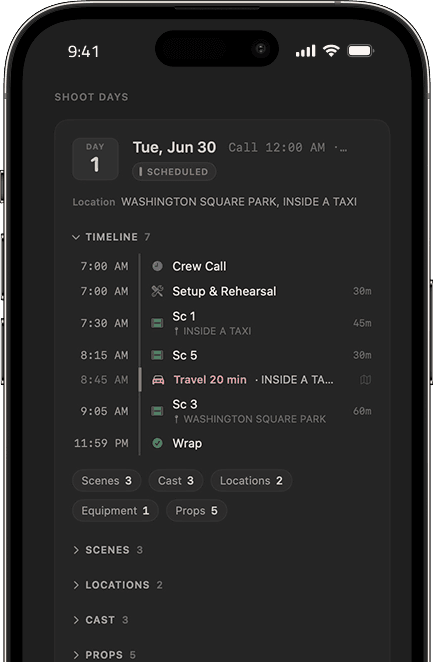
An iOS companion synced to live locations and real maps. Call sheets update in real time
Directing, camera, cast, editorial, sound, each on the same state, with permission levels that fit the role
Models run local to your production, so scripts and footage never train anyone else's, and every department stays on one consistent source of truth
Get any answer, doc or image you need, and Ray does the recalculating. You make the call
Physical stages and sets, every project, and where each one stands, at a glance
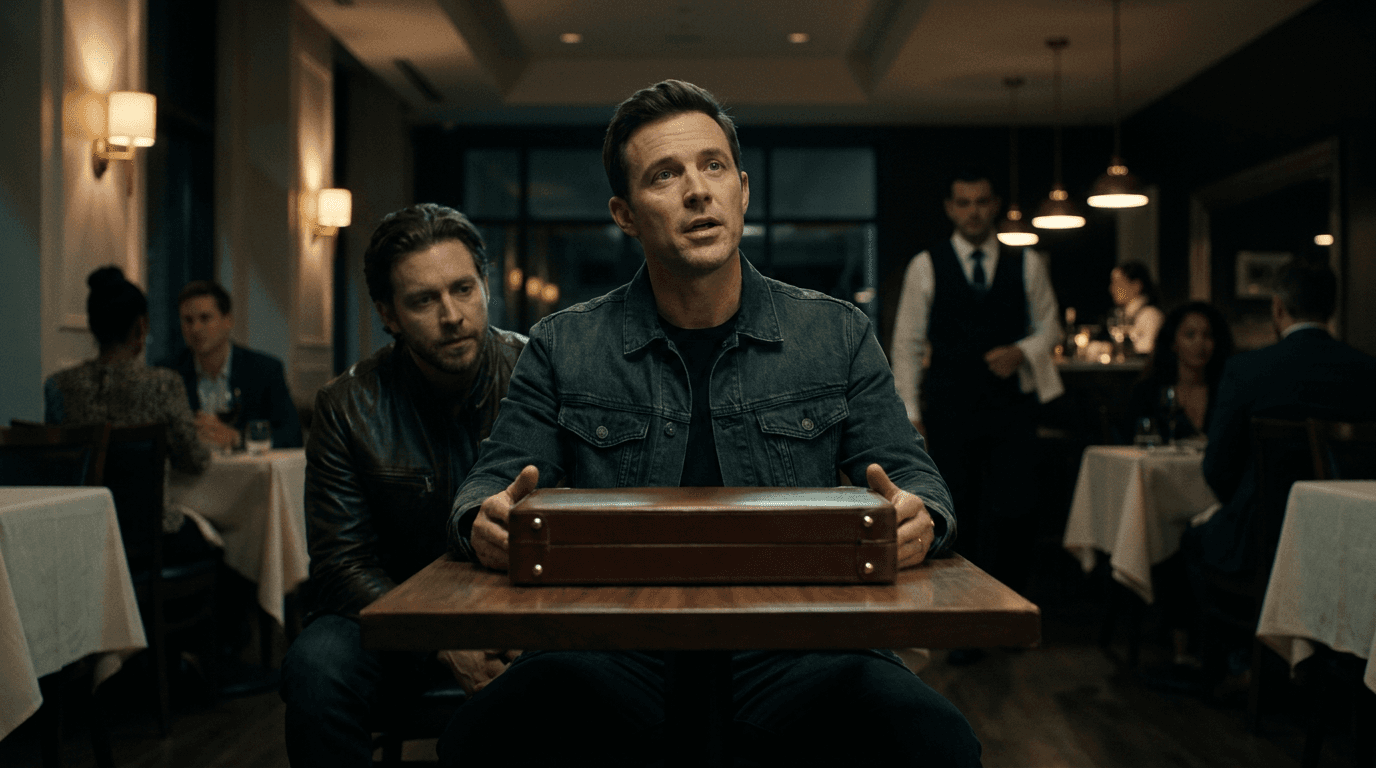
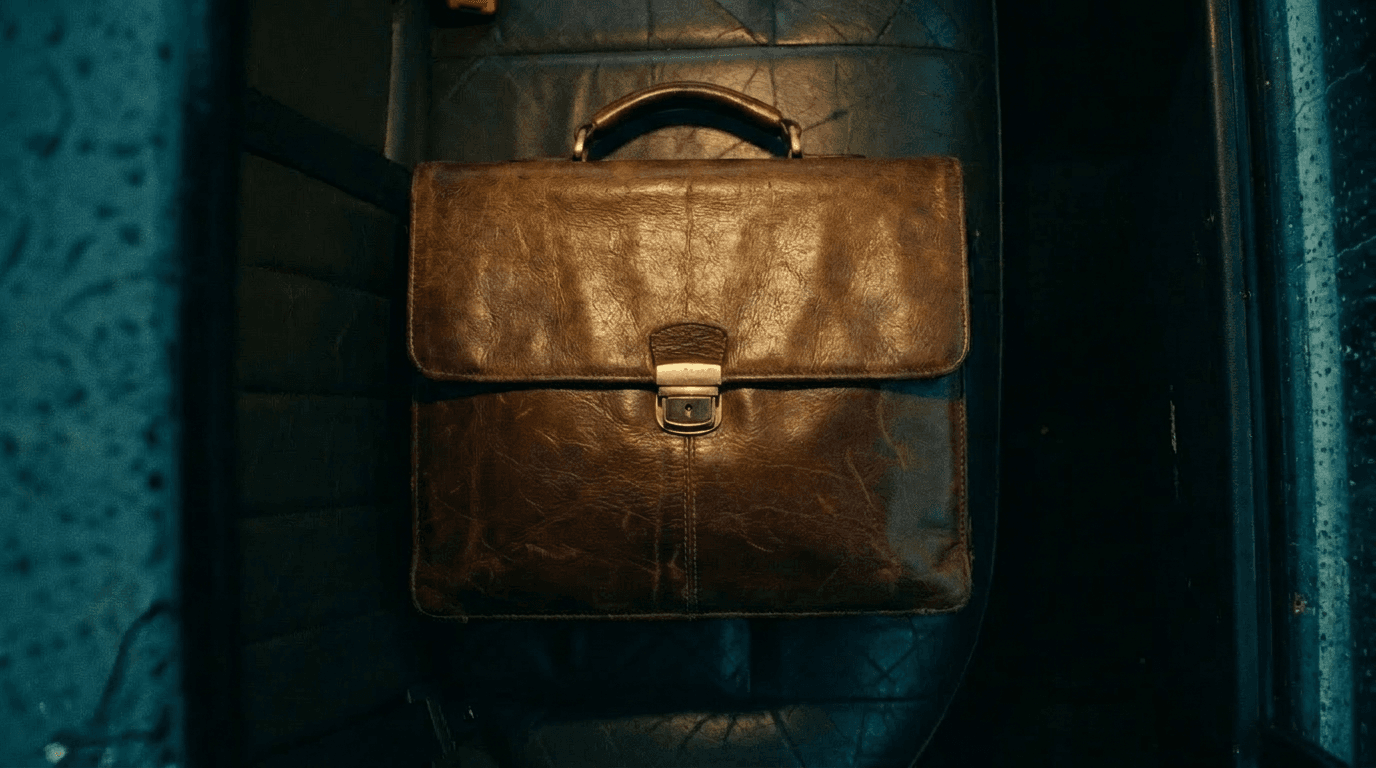
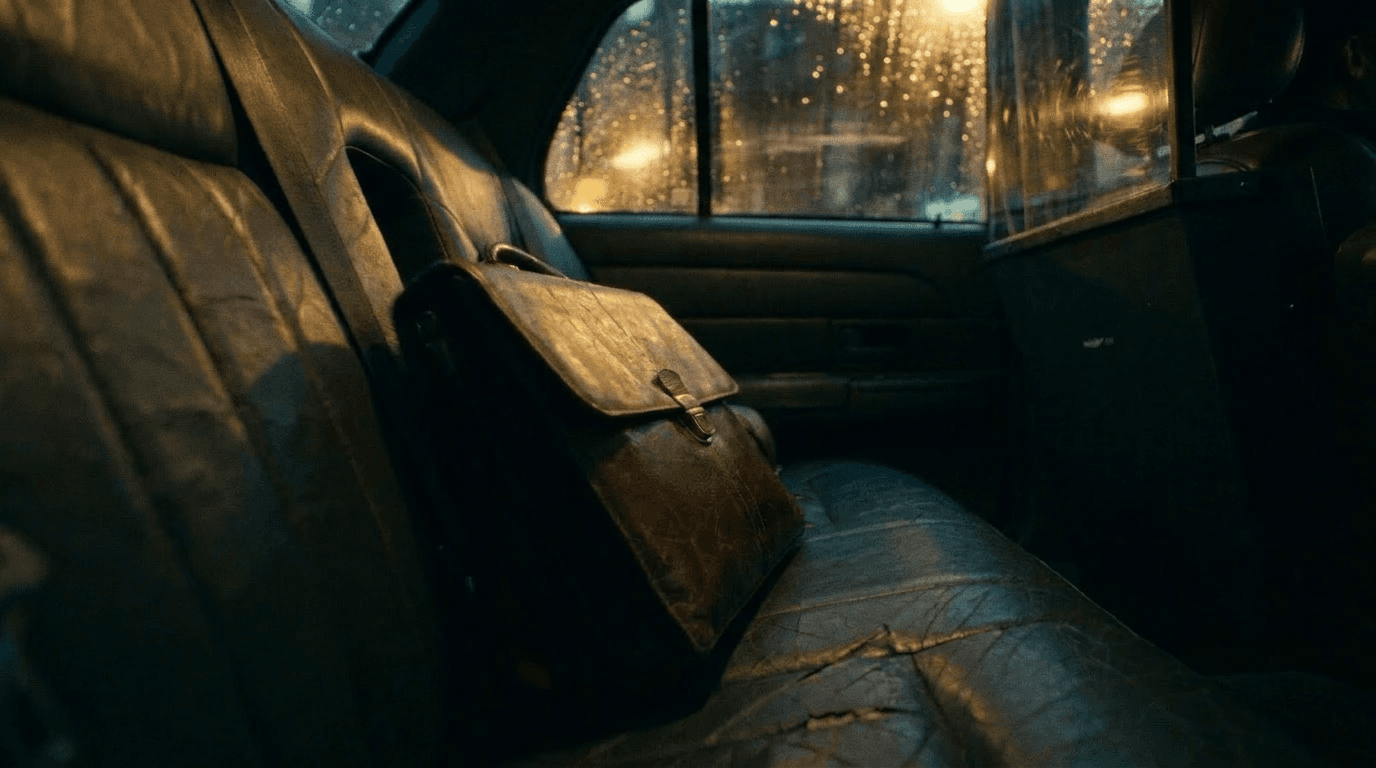
Ray sorts dailies into bins, pulls selects, builds the stringout, preps VFX plates. The editor opens a timeline that's already organised, every clip with its slate, lens and LUT. No re-import. No reconciliation
AI voices for scratch and ADR. Character-consistent across reels. Cloning and voice design, on ElevenLabs.
The day's rushes into a dailies reel in one click. Slate, sync, color, logo. Done.
Camera, lens, and shot data export clean. The animatic becomes the final plate. Nothing lost in translation.
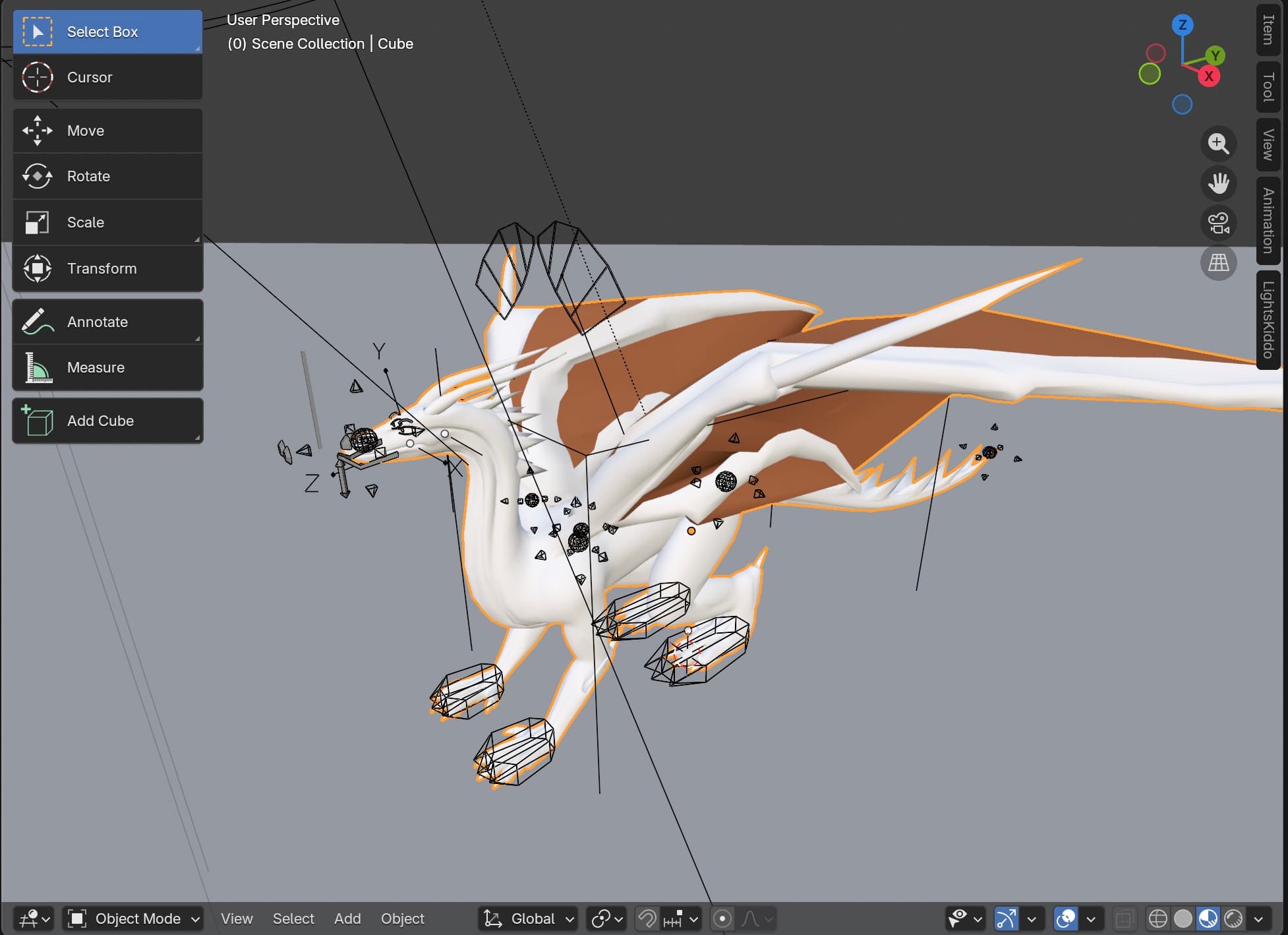
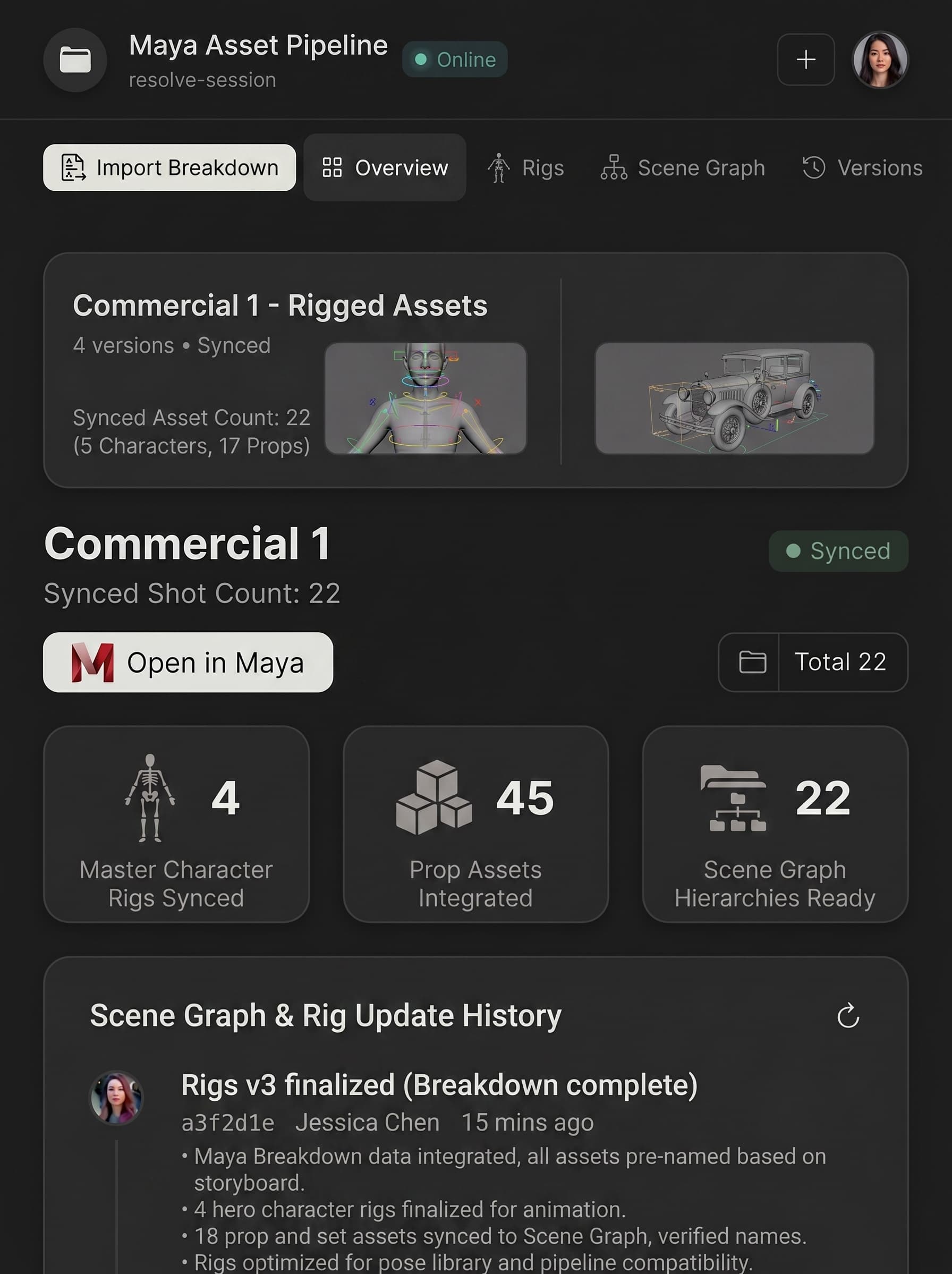
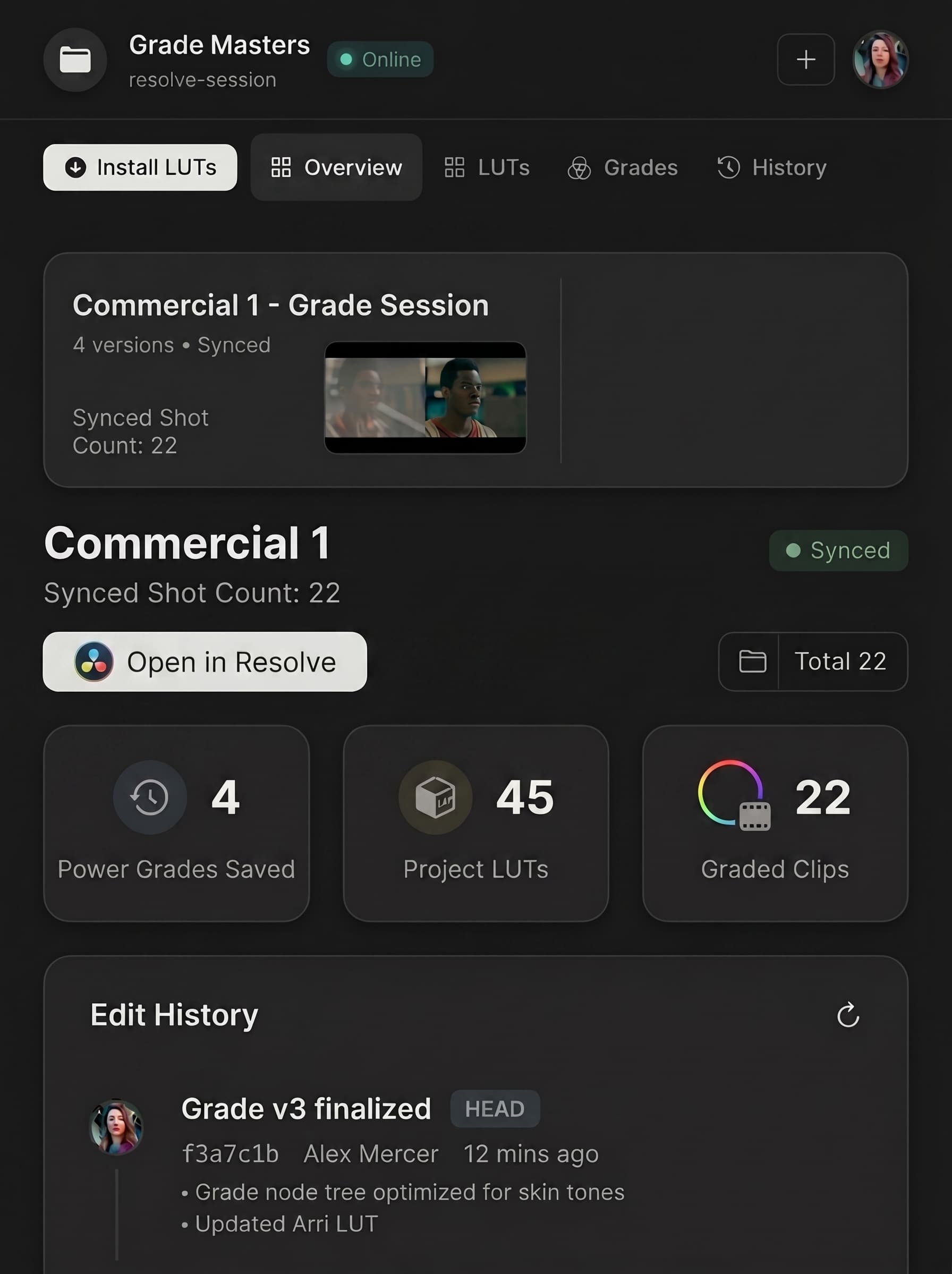
Our extension syncs both ways. Commits and assets move through Light. You never re-import.
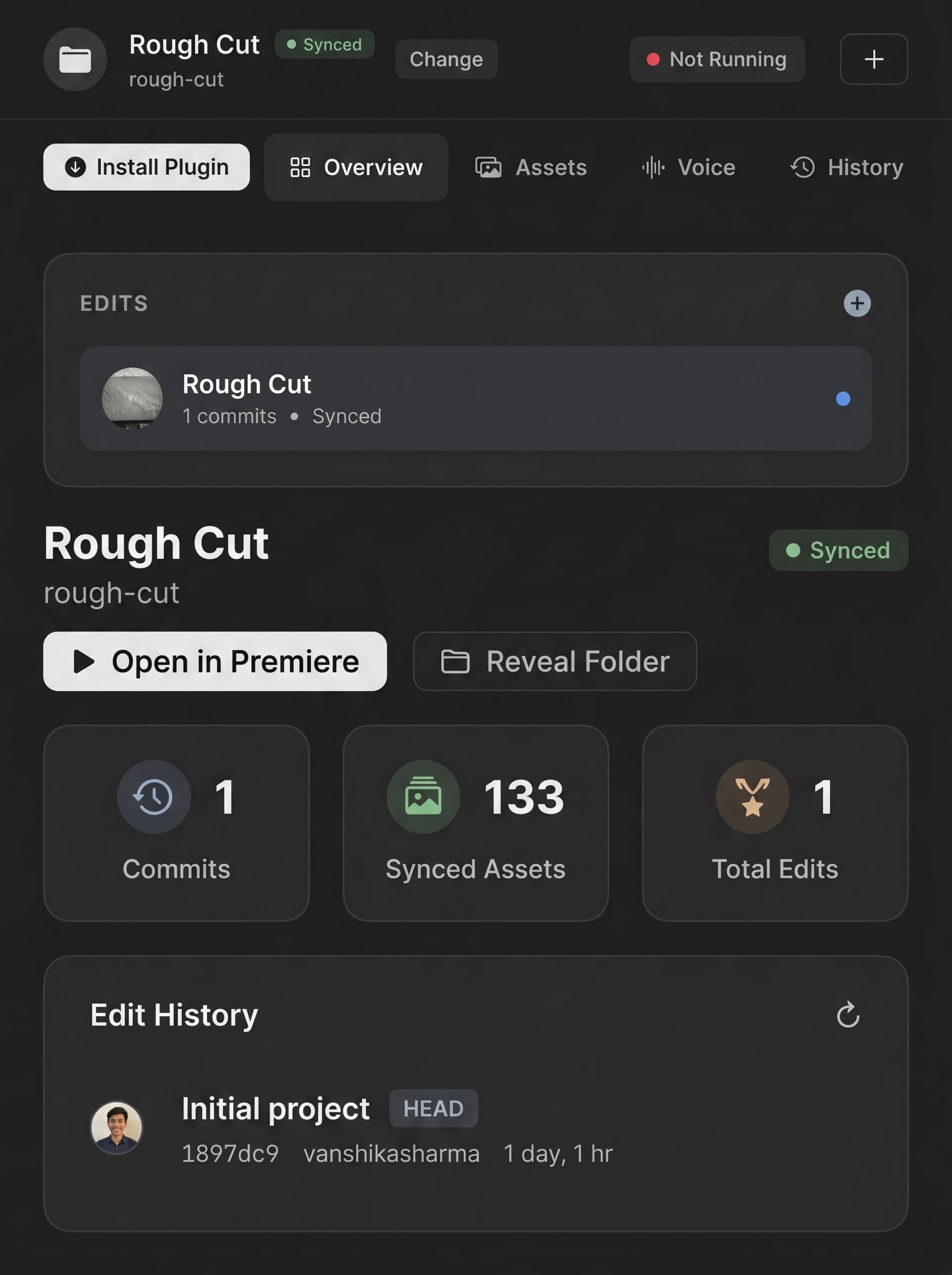
Locked to picture with scene markers. ADR drops on the right timecode automatically.

 .blendMaya.maUnreal.usd5 formats.blendMaya.maUnreal.usd5 formats
No. It connects them. Light works across the software your teams already use — Blender, Maya, Unreal, Avid, Resolve — and our agents run natively inside them, building a first pass and syncing assets and edits back to the production. Keep your pipeline. What Light replaces is the folder of documents that happen to mention each other.
Content stays inside your environment, encrypted in transit and at rest. Access is role-based and enforced on every request, so people see only what their position on the production allows. TPN assessment is in progress; SOC 2 is underway.
All cast and crew. The graph is one source of truth, and each department gets the view it needs from it — development executives and producers through concept and ingest; line producers, UPMs, first ADs and script supervisors through breakdown; directors, DPs and VFX supervisors through visual planning; first ADs and UPMs through the board, the rundown and the call sheet; line producers, accountants and financiers through the budget; DITs and script supervisors on the floor; studio executives and financiers across the slate. Nobody is re-typing another department's work.
Change a node and the system knows what went stale. Affected elements flag. The schedule re-derives. The budget re-costs. Call sheets rebuild. The change propagates in minutes, and it is fully reversible. You can also ask what a change costs before you commit to it — losing the harbor location gets priced holistically in plain language, rather than surfacing as hidden costs weeks later.
No. AI produces the first pass; you decide what survives it. Breakdowns, shot plans, schedules and budgets are proposed against your material and your constraints, and every change is reviewable and fully reversible before it lands. On set, local models run as real-time script and continuity supervisors — catching what a fourteen-hour day makes people miss. The judgment stays with your department heads.
Your content never left. It lives inside your environment throughout, so scripts, breakdowns, schedules, budgets and call sheets stay where they already are. The graph is a layer over your production, not a container holding it.
We have three different enterprise licenses — schedule a demo to see more.
Yes. Sandbox deployments underway at majors and established independents. We work like a foundry rather than a vendor: our engineers embed with your production and studio and build against your workflows and SOPs. Onboarding is us learning your processes, not your team learning new software.
Yes, on both ends. Live camera control across Sony, ARRI and Blackmagic, with recorded takes matched back to their shot nodes automatically. On the edit and visual side, Avid and Resolve alongside Blender, Maya and Unreal — with our agents running natively inside them to create a first pass and sync assets and edits back to the production.
Start your next project in Light
Schedule a demo